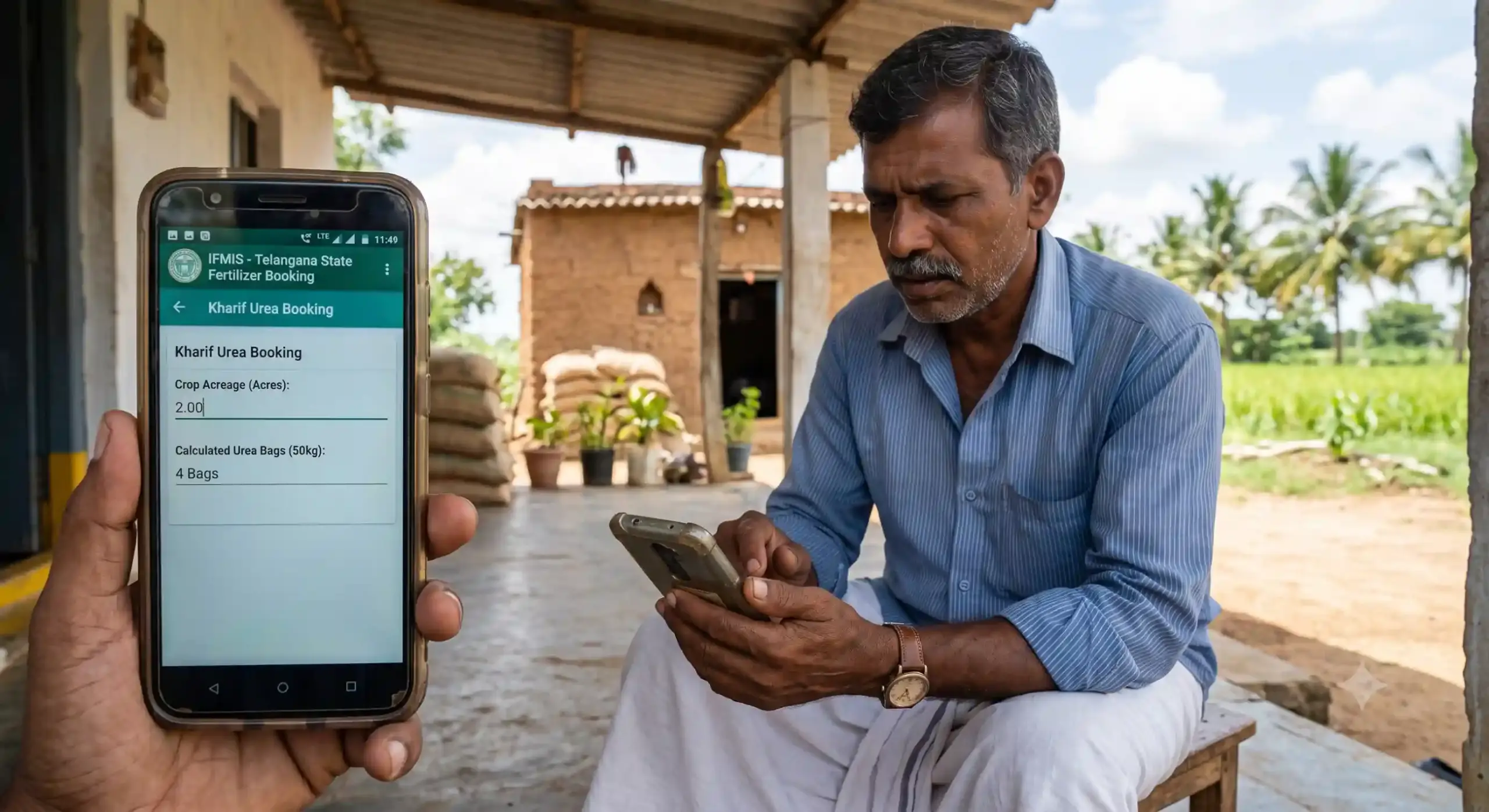
Fertilizer Booking App: Mistakenly Entered Less Crop Area? Here’s What Farmers Need to Know
Fertilizer Booking App, Farmers Facing a Common Problem During Fertilizer Booking, Across many states farmers are using online fertilizer booking systems to reserve urea and other fertilizers based on the crop details entered in the Book Crop option. While the digital system has made fertilizer distribution more transparent, it has also created a challenge for some farmers.
A common complaint from farmers is that they accidentally enter a crop area that is less than their actual cultivated land. Once the details are submitted, the system generally does not allow changes during the same agricultural season. As a result, the farmer becomes eligible to book fertilizer only for the area that was entered, while the remaining cultivated land is left out.
Many farmers realize the mistake only when they try to book urea. By then, it is too late to edit the crop details, causing concern during the peak cultivation period.
How Does This Mistake Happen?
There are several reasons why farmers enter a smaller area than they actually cultivate.
Some farmers are using the online system for the first time and are unfamiliar with the process. Others may face network interruptions while submitting data. Sometimes incorrect survey numbers are selected, or only one portion of the cultivated land is entered. In some cases, the operator at a service center may accidentally type an incorrect acreage.
Since the system treats the submitted information as final for that season, even a small typing mistake can affect fertilizer eligibility.
A Simple Example
Consider the example of farmer Ramesh.
He owns and cultivates 5 acres of paddy.
While entering crop details in the Book Crop section, he accidentally records only 3 acres instead of the full 5 acres.
After submission, he later discovers that fertilizer booking is available only for 3 acres. The remaining 2 acres do not appear in the system for fertilizer allocation.
Although Ramesh is cultivating the entire 5 acres, he cannot simply edit the submitted details because the portal does not permit changes after submission for that season.
This situation has affected many farmers.
Can the Crop Area Be Edited?
In many fertilizer booking systems, once the crop details are submitted and verified, editing is not allowed during the current season.
This restriction is intended to prevent misuse and ensure that fertilizer is distributed based on verified cultivation records.
Therefore, farmers should carefully verify every detail before clicking the final submit button.
What Should Farmers Do If They Make a Mistake?
The first and most important step is to contact the local Agriculture Department officials.
Farmers can visit their:
- Agriculture Extension Officer (AEO)
- Mandal Agriculture Officer
- Authorized fertilizer booking help centre
Officials can explain whether any correction window or special provision is available in that particular district or state.
When Tenant Registration May Be Relevant

In some situations, part of the land may actually be cultivated by a genuine tenant farmer or another eligible cultivator.
Where the Agriculture Department’s rules permit it, that actual cultivator may complete Tenant Transfer Registration for the land they are cultivating.
After successful registration and approval, fertilizer eligibility for that cultivated area may be determined according to the applicable government rules.
This is not a method to correct data-entry mistakes where no genuine tenancy exists. Tenant registration should only reflect the actual cultivation arrangement and comply with all legal and departmental requirements.
Important Things Farmers Should Remember
Before submitting crop details:
- Check the total cultivated area carefully.
- Verify the survey numbers.
- Confirm the crop name.
- Ensure the acreage entered matches the actual cultivation.
- Review all information before pressing Submit.
A few extra minutes of checking can prevent problems later during fertilizer booking.
Tips to Avoid Future Problems
Farmers can follow these simple precautions:
- Keep land records ready before starting.
- Carry Aadhaar and other required documents.
- Take help from trained operators if needed.
- Read every screen carefully before confirming.
- Take a screenshot or printout after submission.
- Verify the entered acreage immediately.
These small steps can save considerable time and avoid unnecessary visits to government offices.
Frequently Asked Questions
I entered 4 acres instead of 6 acres. Can I edit it later?
In many systems, crop details cannot be edited after final submission during the same season. Contact your Agriculture Department to check if any correction process is available.
Will I get fertilizer for the full 6 acres?
Generally, fertilizer eligibility is based on the approved crop area recorded in the system, subject to the applicable government policy.
Can I use Tenant Transfer Registration just to increase my fertilizer quota?
No. Tenant registration should only be completed when there is a genuine tenant or eligible cultivator and in accordance with the Agriculture Department’s rules. Providing false information may lead to rejection or other action under applicable regulations.
Conclusion
Digital fertilizer booking app has made fertilizer distribution more organized and transparent. However, even a small mistake while entering crop details can affect fertilizer eligibility for the entire season.
Farmers should always verify the crop area before submitting the application. If a mistake has already occurred, they should immediately approach the local Agriculture Department and seek guidance on the available options. Where there is a genuine tenancy arrangement, Tenant Transfer Registration may be available under the applicable rules, but it should never be used to create a false tenancy solely to obtain additional fertilizer eligibility.
By carefully checking crop details and following official procedures, farmers can avoid unnecessary difficulties and ensure timely access to fertilizers for their crops.
- How to Book Urea & Fertilizers in the Framework for Fertilizer Sale (FFS) App: Step-by-Step Guide
- Framework for Fertilizer Sale (FFS): Telangana’s New Centralized Fertilizer App
- Fertilizer Booking App: Mistakenly Entered Less Crop Area? Here’s What Farmers Need to Know
- Monsoon 2026: Best Crops for Farmers as IMD Predicts Weak Rainfall
- Digital India: Identify Your Land Survey Number Instantly Using Your Smartphone